The best dual camera apps for iPhone
Every app here records the front and rear cameras at once. They differ on what comes out the other end, which iPhones they run on, and what you pay.
Get DualCapture on the App Store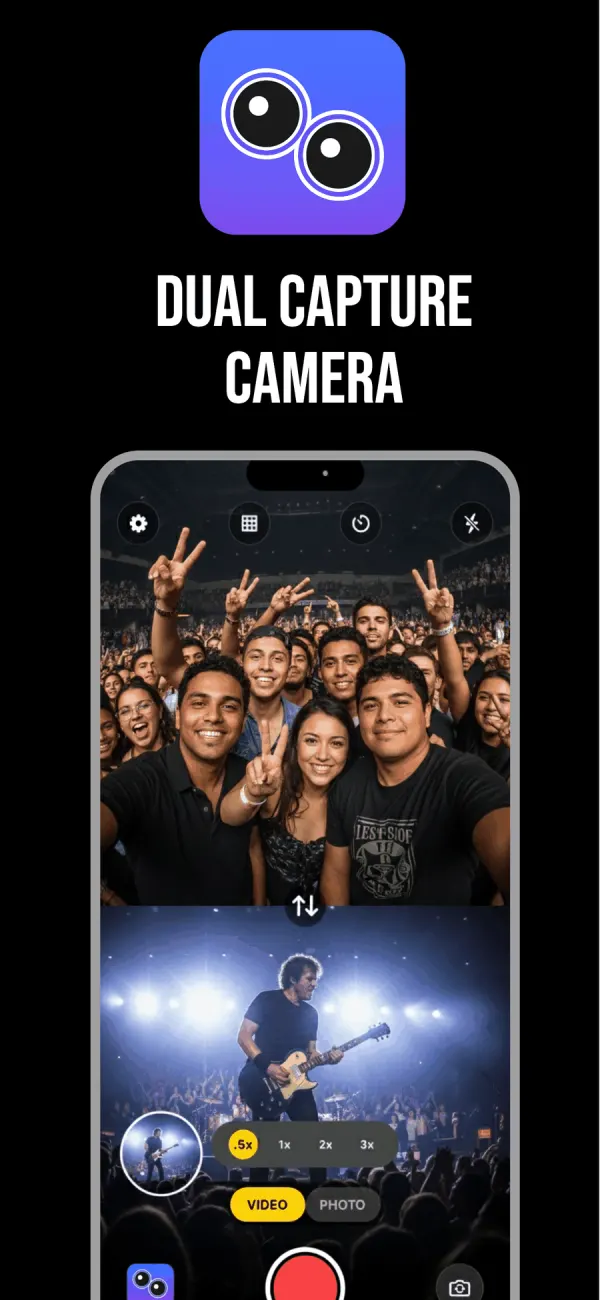
What actually separates one of these apps from the next
Separate files, or one merged video? An app that hands you only a composite has made every editing decision for you before you opened an editor. One that writes each camera as its own clip leaves that decision with you.
Layouts vary more than you would expect. Picture-in-picture is the baseline everywhere. Split screen stacked and side by side are less common, and a draggable divider rarer still.
Resolution is the quiet one. Several apps cap at 1080p, which nobody mentions until you put the footage on a TV. Then watermarks: some free apps stamp the export and charge to remove it.
DualCapture: Dual Camera + PiP
One take writes three videos: the front camera alone, the rear camera alone and the merged composite. That is the whole pitch, and it is the thing most of this list does not do.
Three layouts: split screen stacked, split screen side by side and picture-in-picture, with a window you drag into place and a divider you drag to give one camera more of the frame. A swap button flips which camera is on top. All of that is set before you record and holds for the whole take. Recording settings go up to 4K and 60 fps with stabilization, and the iPhone sets how high it can go with two cameras running. Pro has no length limit and no watermark; the free version stops a take at 3 minutes and adds a DualCapture.com watermark. Dual photos too.
The catch worth knowing up front: it needs iOS 18 or later and an iPhone with multi-camera support: the App Store listing allows iPhone XS, XS Max, XR and newer, and we build and test for iPhone 15 and newer. On an older phone, look further down this page. Free to install, with a subscription or a one-time lifetime purchase.
Five more worth a look
DoubleTake, Multicam video
The veteran. Originally from FiLMiC, now published by Bending Spoons Apps ApS. It does split view and picture-in-picture, and saves recordings as separate discrete files rather than only a composite. Its party trick is locking focus and exposure on both cameras with one reticle, a genuinely professional touch.
It caps at 1080p, so there is no 4K, and its last App Store update was March 2025. On the plus side it runs on iOS 14.1, reaching phones nothing else here will touch. There is a closer comparison of the two if you are deciding.
MixCam: Front and Back Camera
From Mixcord Inc., with the deepest history here. It runs on iOS 15 and an A12 chip or better, which means iPhone XS and up. Features lean social rather than editorial: switching to full screen on either camera mid-take, Action Mode stabilization, Center Stage. Be aware it charges separately to remove the watermark. If you want an app that targets older iPhones, this is the most polished option you can install.
2Camera Dual Camera Recorder
From 6X Studio LLC. Picture-in-picture, split screen top and bottom or left and right, or one camera alone. It reaches 4K, and a dual video save mode stores each camera's footage separately. Requires iOS 17.1. Actively maintained, which after DoubleTake's quiet year is worth something. The closest competitor to DualCapture on features.
MixLens: Dual Camera Recorder
An independent app from Prasad Kirpekar. The picture-in-picture window is resizable and you can style its corner radius and border, which none of the others bother with. It exports one combined file or two separate ones. Video is 1080p at up to 60fps. Requires iOS 16.6, and new enough to have barely any reviews.
Duo Cam: Dual Camera Video
From Dang Huong. Free with no in-app purchases at all, the only genuinely free option here. Split screen, overlay and a draggable picture-in-picture window, for video and photos alike. Requires iOS 17. The honest caveat: its last update was April 2024.
What about Apple’s own Dual Capture?
If you have an iPhone 17, iPhone 17 Pro, iPhone 17 Pro Max, iPhone Air, iPhone 18 Pro, iPhone 18 Pro Max or iPhone Duo, the Camera app already does this. Video mode, control icon in the top right, Dual Capture.
It is free and it is right there. It also gives you one fixed layout with your face in a small box, no way to swap which camera is large, 4K at 30fps at best, and one merged file. For a quick story it is fine. For anything you plan to edit, its limits are worth reading in full.
So which one
If your iPhone is a 15 or newer and you edit what you shoot, separate files are the deciding feature, and DualCapture or 2Camera are the two that give you them at 4K.
Older than a 15? DualCapture is not tested there, though the listing allows iPhone XS and newer on iOS 18. MixCam reaches back to the iPhone XS on iOS 15 and DoubleTake further still. And if you want to spend nothing, install Duo Cam and find out whether dual camera video becomes a habit before it becomes a subscription.
Frequently asked questions
Which dual camera apps export the two cameras as separate files?
DualCapture, 2Camera Dual Camera Recorder, DoubleTake and MixLens all write individual clips per camera. DualCapture's Premium Dual Orientation setting adds vertical and horizontal versions of each camera.
Which app records dual camera video in 4K?
DualCapture offers settings up to 4K and 60 fps, and your iPhone model can hold either lower with two cameras running. 2Camera Dual Camera Recorder reaches 4K as well. DoubleTake and MixLens cap at 1080p.
What is the best dual camera app for an older iPhone?
MixCam supports iOS 15 and any device with an A12 chip or newer, so it covers the iPhone XS onward. DoubleTake goes back further, to iOS 14.1.
Is there a free dual camera app with no watermark?
Duo Cam is free with no in-app purchases listed, though it has not been updated since April 2024. Several other free apps add a watermark and charge to remove it.
How were these apps chosen?
Each one was checked as a live listing on the US App Store in September 2026. Layouts, resolution, device requirements and pricing come from that listing. Apps that could not be verified were left out.
Sources
Try it on your iPhone
Get DualCapture on the App Store