DualCam vs DualCapture: which dual cam app does what you think it does?
Search the App Store for "dual cam" and two different apps come back wearing almost the same name. One of them does not record your face at all. Worth knowing before you install.
Get DualCapture on the App Store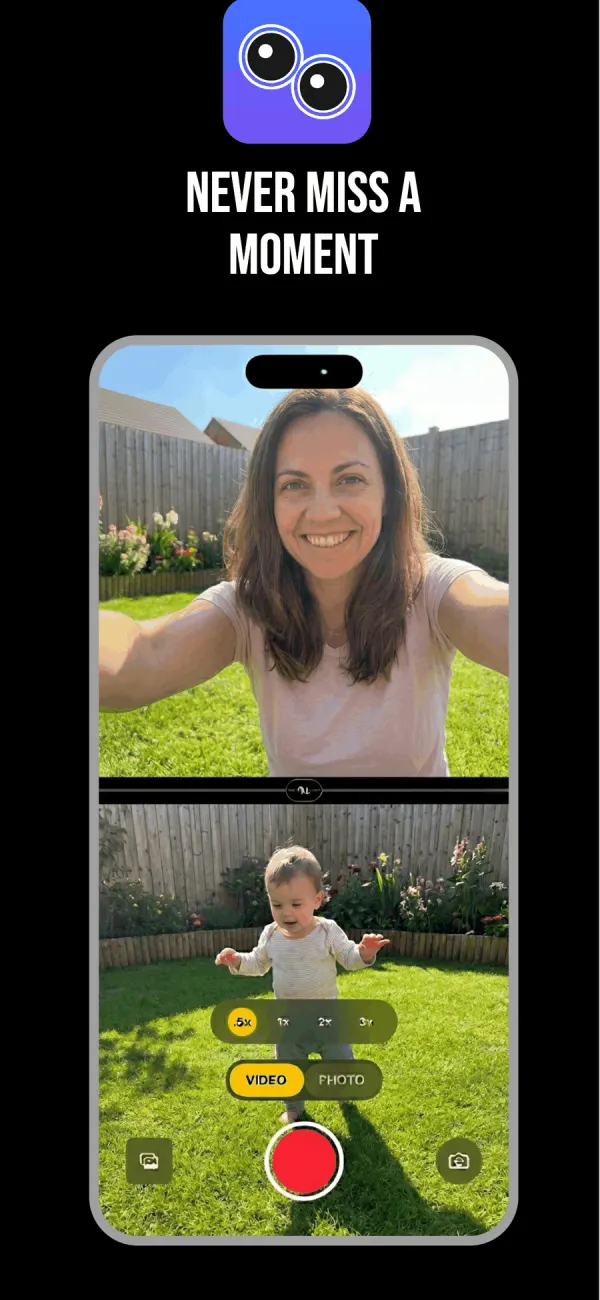
There are two apps called DualCam
DualCam: Dual Camera Recorder comes from Mobixoft LLC. Dual Cam Front & Back comes from Vigo Global. Different developers, different features, similar icons in a search result.
People searching for a dual cam app are usually after one thing: their reaction and the thing they are reacting to, recorded together. Only one of these two is built around that.
Mobixoft's DualCam points both lenses forward
Its pitch is two rear cameras running at the same time. The wide lens and the ultra-wide or telephoto, recording one moment twice, so you walk away with a tall 9:16 file for Reels and a wide 16:9 file for YouTube. Two synchronised videos, one take, no re-framing.
That is a smart idea and nobody else on this page does it. If you post the same footage to a vertical feed and a horizontal one, it saves you a crop every single time.
What it does not clearly offer is front and back together. The App Store listing mentions front camera support for selfies, but simultaneous front-plus-back capture is not spelled out, so the table below leaves that cell as "not listed". It records up to 4K at 24, 30 or 60fps in HEVC or H.264, requires iOS 18, and sells a $0.99 weekly, $9.99 annual or $14.99 lifetime plan. That lifetime price is the cheapest on this page by a distance.
Vigo's Dual Cam Front & Back is the reaction one
This is the app most people mean. Split screen and picture-in-picture, both listed as working on iPhone XR and newer, plus a Switch Cam mode and a green screen mode.
It also has the lowest floor of anything here: iOS 13. An iPhone that has not seen an update in years can still run it, which is more than DualCapture or Mobixoft's DualCam can say.
The listing does not publish a maximum resolution. It does not say whether the front and back videos come out as separate files. Both cells below say "not listed" for that reason, not because the answer is no.
Side by side
| Feature | DualCapture | DualCam by Mobixoft | Dual Cam Front & Back by Vigo |
|---|---|---|---|
| Front and back at the same time | Yes | Not listed | Yes |
| Two rear lenses at the same time | No | Yes, its main feature | No |
| Maximum resolution | Settings up to 4K and 60 fps. 4K needs Premium, and your iPhone model can limit both | Up to 4K at 24, 30 or 60fps | Not listed |
| Separate files per camera | Yes: front, back and combined | Yes, a tall and a wide file | Not listed |
| Layouts | Split screen either way round with a draggable divider, picture-in-picture in four corners | Vertical and horizontal versions of one take | Split screen, picture-in-picture, Switch Cam, green screen |
| Price | Free, then $0.99 weekly to $39.99 lifetime | Free, then $0.99 weekly, $9.99 annual, $14.99 lifetime | Free, then $0.99 weekly to $24.99 lifetime |
| Minimum iPhone | iOS 18 or later (listing: iPhone XS and newer; tested on iPhone 15 and newer) | iOS 18 | iOS 13 |
| Watermark on exports | On free exports; Premium removes it | Not stated | Not stated |
Cells read from all three App Store listings as they stand today.
Where DualCapture sits
DualCapture does the front-and-back job and writes everything down. Three files per recording: the front camera alone, the back camera alone and the merged version. Settings go up to 4K and 60 fps, as far as your iPhone allows with two cameras running. Free exports carry a watermark and free takes stop at 3 minutes; Premium removes both.
The price is the honest downside. A $39.99 lifetime purchase is more than double Mobixoft's $14.99, and the iOS 18 requirement rules out a lot of phones that are still perfectly good at this. If your handset is older or your budget is tight, the other two deserve a look before you pay.
What you are buying with the difference is the separate front and back files and the higher ceiling on picture quality. Whether that is worth it comes down to whether the footage ever reaches an editor.
Frequently asked questions
Is DualCam the same as DualCapture?
No. They are different apps from different developers. Two separate App Store apps use the DualCam name, and neither is DualCapture.
Which DualCam records the front and back camera together?
Dual Cam Front & Back, from Vigo Global. Mobixoft's DualCam is built around recording two rear lenses at once instead.
Can any dual cam app record two rear lenses at the same time?
Mobixoft's DualCam is the one on this page that advertises it, giving you a vertical and a horizontal version of the same take.
What iPhone do I need for a dual cam app?
Apple's simultaneous multi-camera capture needs an iPhone XS, XR or newer, and each app sets its own floor on top of that. DualCapture requires iOS 18 (listing: iPhone XS and newer; tested on iPhone 15 and newer). Mobixoft's DualCam also requires iOS 18, while Dual Cam Front & Back goes back to iOS 13.
Do these apps add a watermark?
DualCapture puts a watermark on free exports and removes it with Premium. Neither DualCam listing says either way, so try the free tier and check an export before you subscribe.
Which one is cheapest for life?
Mobixoft's DualCam at $14.99, then Dual Cam Front & Back at $24.99, then DualCapture at $39.99.
Try it on your iPhone
Get DualCapture on the App Store