Record front and backcameras at once.
DualCapture is a dual camera app for iPhone. It records the front and back cameras at the same time, so your face and the scene land in one video without a second phone or an edit.
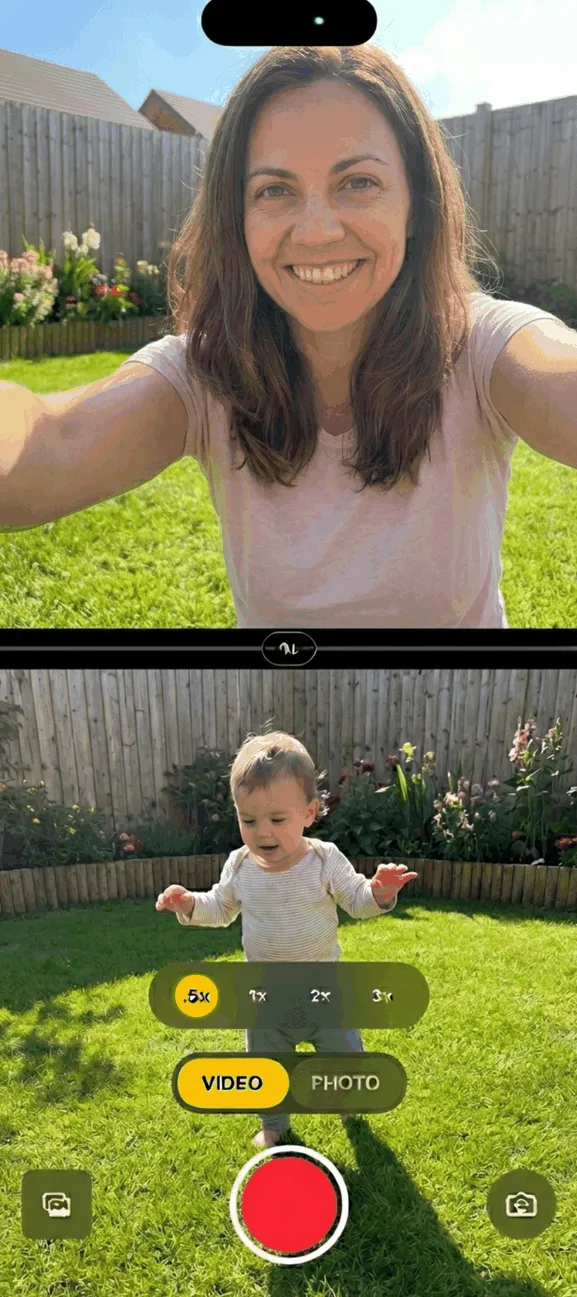
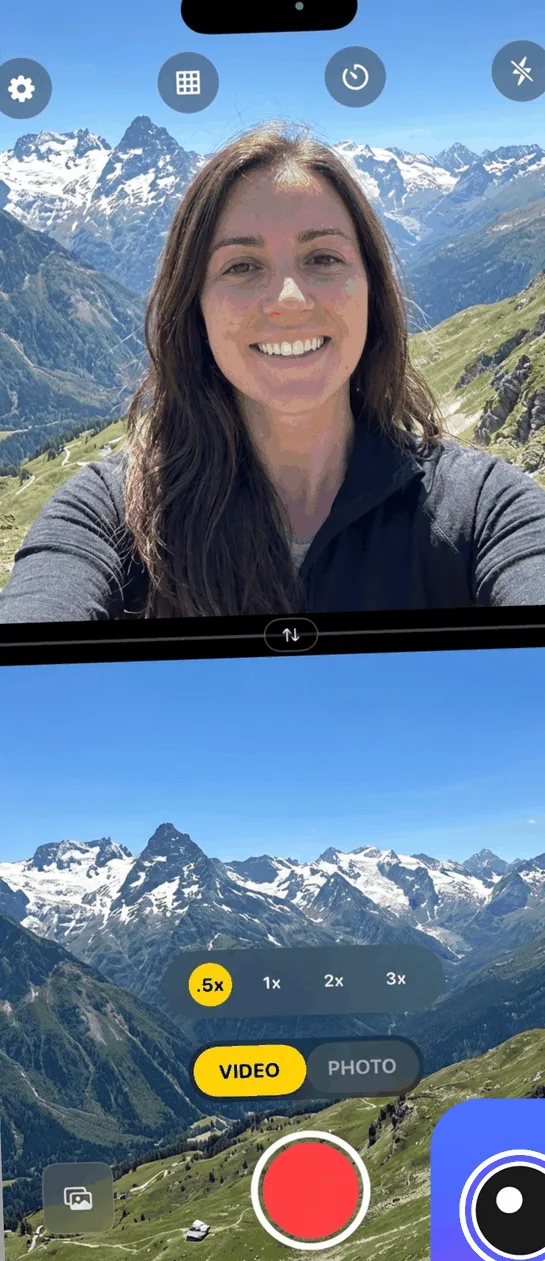
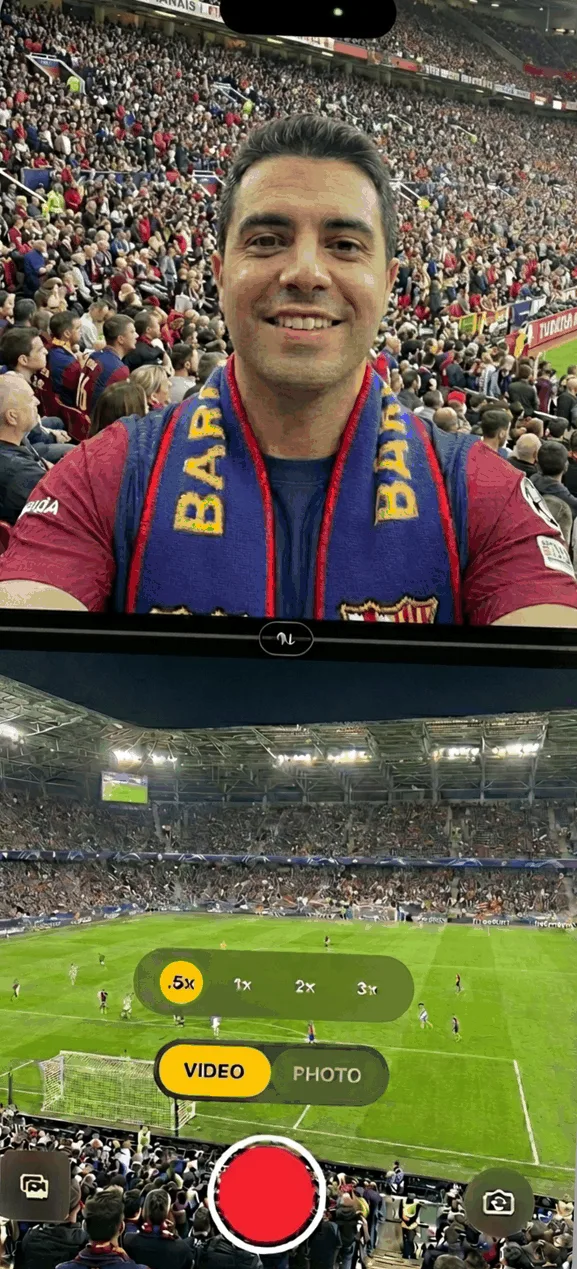
SeeItInAction
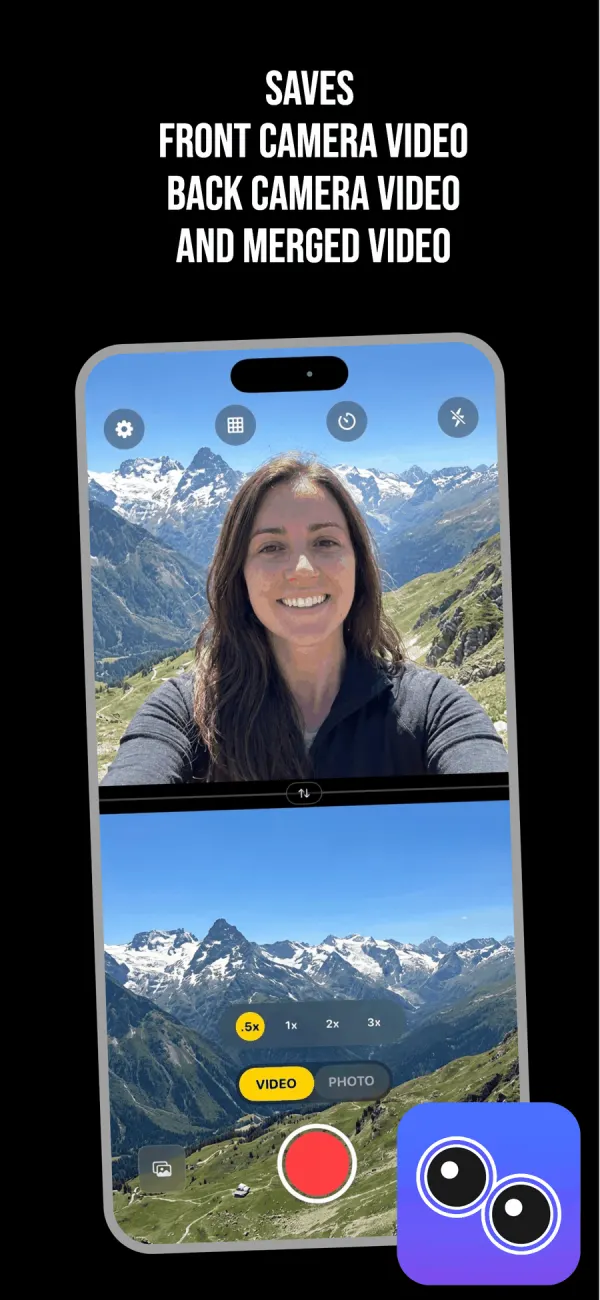
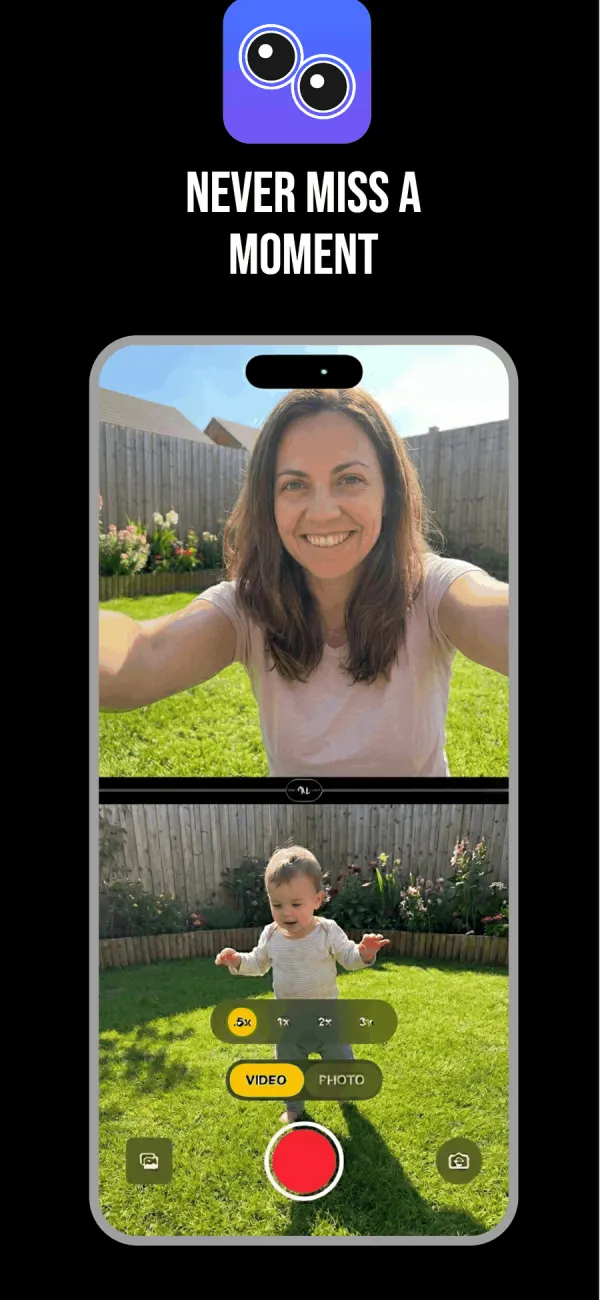
Both cameras on one screen. Drag the divider, pick a corner, hit record.
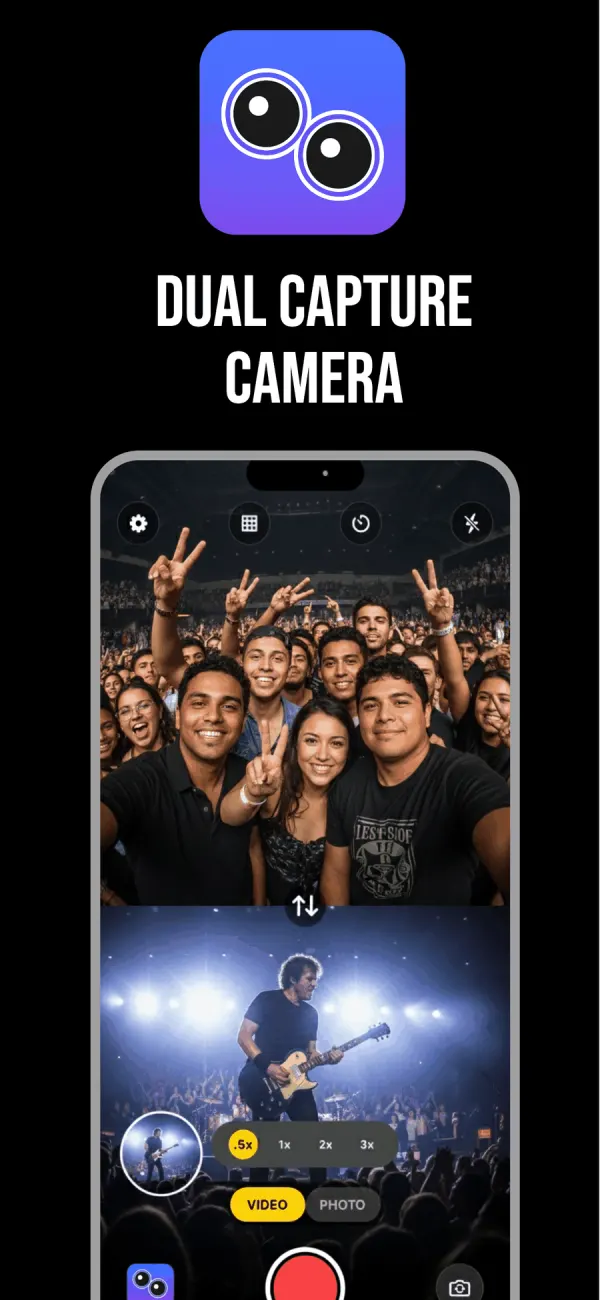

ProFeatures.RealPower.
Built for people who film for a living and want both angles in one take.

Up to 4K and 60 fps
Settings go up to 4K and 60 fps, with 24 and 30 fps for smaller files. Your iPhone model can hold them lower with both cameras running, and 4K needs Premium.
Pro Layouts
Three layouts: stacked, side by side and picture-in-picture. Before you record, drag the divider to resize the split, or drag the picture-in-picture window where you want it.
Stabilization
A stabilization toggle for the back lens, for vlogs and reaction clips you shoot while walking.
Smart Export
Every take saves the front camera, the back camera and the merged video as separate files in Photos, so your edit stays open.
What people use it for
One tap records what is in front of you and your reaction to it.
Reactions
Keep the clip you react to and your face in the same file, with no second take.
Read the guideVlogs and travel
Film the view and the person who saw it. The front and back videos save separately too.
Read the guideConcerts and sports
Catch the stage or the field with your own reaction beside it.
Read the guideKids and family
A first step and the look on a parent’s face, recorded together.
Read the guideInterviews
Put two people in frame with one phone and one tap.
Read the guideBeReal-style posts
Take the back-camera shot and the selfie at the same moment.
Read the guide
Questions about DualCapture
Can an iPhone record the front and back cameras at the same time?
Yes, on iPhones with Apple’s multi-camera capture, which needs an A12 chip or newer. The built-in Camera app does not do it. DualCapture does.
Is DualCapture free?
It is free to download and record. Free exports carry a DualCapture watermark. Premium removes it and costs $0.99 weekly, $2.99 monthly, $19.99 yearly or $39.99 once, per the App Store listing.
What does it save?
One take saves a front video, a back video and a combined video. It also takes a photo with both cameras in one tap.
Which iOS version do I need?
iOS 18.0 or later.
Is there an Android version?
No. DualCapture is an iPhone app and the App Store is the only place to get it.
Where do my videos go?
They save to your iPhone’s photo library. DualCapture does not upload your photos or videos.
More answers on the full FAQ.
Guides and comparisons
Plain answers about dual camera apps on iPhone, with prices read from each App Store listing.