DoubleTake vs DualCapture: the iPhone multicam comparison
DoubleTake came out of FiLMiC and is now published by Bending Spoons. DualCapture is newer and aims at a different person. The gap between them is mostly about resolution.
Get DualCapture on the App Store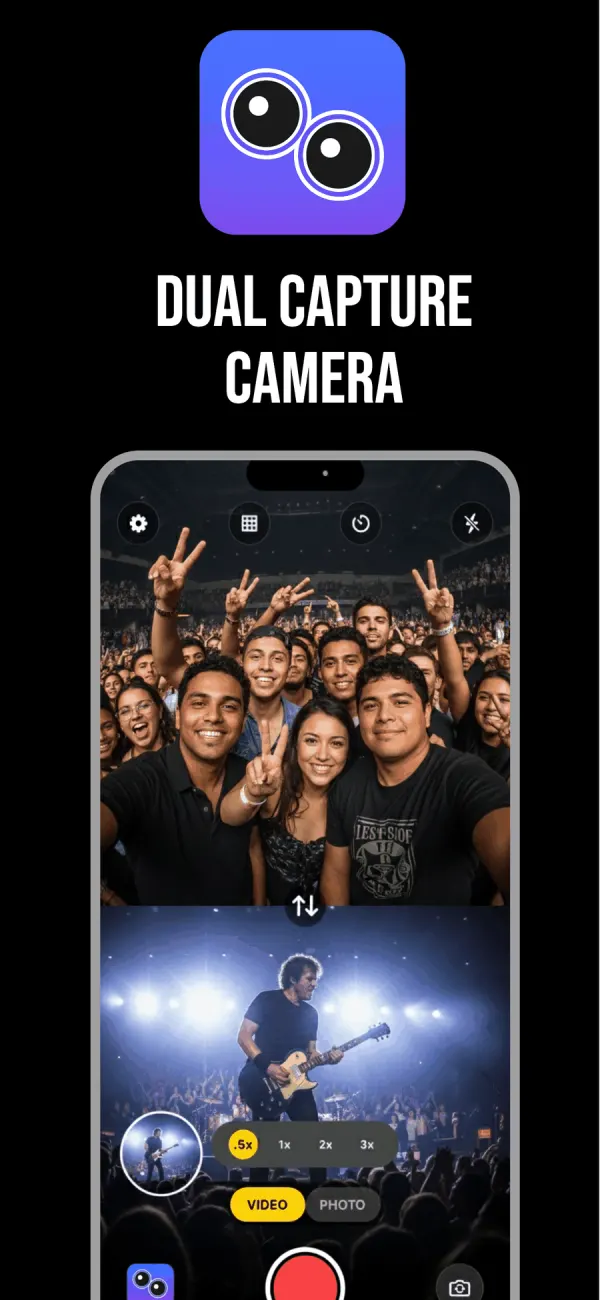
DoubleTake is built for people shooting something
The controls give it away. DoubleTake lets you set and lock focus and exposure on both cameras during a multi-cam take, which no consumer dual camera app bothers with. If you have ever had the front camera hunt for focus halfway through an interview answer, you know why that matters.
It has a shot and reverse-shot mode as well, so you can record an interviewer and a subject as two angles of the same conversation. Picture-in-picture and a 50/50 split screen are both there. You choose at record time whether the result is separate discrete files or one composite video.
It also reaches much further back in hardware. The App Store listing says it requires iOS 14.1 or later. DualCapture requires iOS 18 (listing: iPhone XS and newer; tested on iPhone 15 and newer). If your phone cannot run iOS 18, DoubleTake may be the only one of the two you can install, whatever else this page says.
Pricing is a thicket. The listing carries weekly plans at $0.99 and $1.49, a $19.99 yearly subscription, and creator bundles that climb to $99.99 a year when you add other apps from the same family. There is no lifetime purchase on the list.
Then there is the resolution
DoubleTake records 1080p. Its own description says "1080p video at high bitrate encoding for maximum quality" and offers 24, 25 and 30fps. No 4K, no 60fps.
That was a defensible choice when multicam was new and phones ran hot doing it. It is a harder sell now. DualCapture offers settings up to 4K and 60 fps, which is four times the pixels and twice the frame rate. Your iPhone model can hold either lower with two cameras running, and 4K needs Premium.
Whether you care depends entirely on what happens to the footage. If it ends up as a phone-sized clip on Instagram, 1080p is fine and always was. If you crop in, stabilise in post, slow anything down, or put it on a television, the extra resolution is not a luxury.
There is a second gap. The multicam device list on DoubleTake's App Store page stops at the iPhone 13 generation, and its last update was in 2025. Apple's multi-camera capture works on iPhone XS, XR and newer, so later phones are not excluded by the hardware. The listing simply has not been rewritten.
Side by side
| Feature | DualCapture | DoubleTake |
|---|---|---|
| Maximum resolution | Settings up to 4K and 60 fps. 4K needs Premium, and your iPhone model can limit both | 1080p at 24, 25 or 30fps |
| Layouts | Split screen side by side or top and bottom with a draggable divider, plus picture-in-picture in any of four corners | Picture-in-picture, 50/50 split screen, shot/reverse-shot |
| Separate front and back files | Yes: front, back and combined. Premium can also save each camera as a vertical and a horizontal video | Yes, you pick discrete files or a composite |
| Focus and exposure | Tap to focus and expose on either camera, an exposure slider, and a long press that locks focus and exposure on one camera at a time (version 5.4, October 2026) | Set and lock on both cameras during capture |
| Price | Free, then $0.99 weekly, $2.99 monthly, $19.99 yearly or $39.99 lifetime | Free, then $0.99 to $1.49 weekly, $19.99 yearly, bundles to $99.99 yearly |
| Minimum iPhone | iOS 18 or later (listing: iPhone XS and newer; tested on iPhone 15 and newer) | iOS 14.1 |
| Watermark on exports | On free exports; Premium removes it | Not stated on the listing |
Cells read from the two App Store listings as they stand today, except DualCapture's focus row, which comes from the app itself.
What each one gets right
DoubleTake earns its place with control. Focus and exposure stay where you put them, the reverse-shot mode is genuinely useful for interviews, and the device floor is low enough that older iPhones are still welcome. It behaves like a camera app made by people who shoot for a living, because it was.
DualCapture is the blunter tool and records a lot more picture. Three files come out of every take: front, back and merged, and Premium's Dual Orientation setting saves each camera as both a vertical and a horizontal video. You can set the divider anywhere before you record instead of accepting a fixed 50/50 split. Free exports carry a DualCapture.com watermark and free takes stop at 3 minutes. Premium removes both.
How to decide in one question
Will you grade, crop or re-frame this footage later?
Yes, and you want room to work: take the 4K file. No, and you want focus that stays put on a long interview: take the control. Those two answers cover nearly everyone who reads a page like this one.
Frequently asked questions
Is DoubleTake still available?
Yes. It is on the App Store under Bending Spoons Apps ApS, free to download with subscriptions inside.
Does DoubleTake record in 4K?
No. Its App Store description lists 1080p at 24, 25 or 30fps. For 4K or 60 fps you need a different app.
Is DoubleTake made by Blackmagic Design?
No. It began at FiLMiC and the current App Store seller is Bending Spoons Apps ApS. Blackmagic publishes its own separate camera app.
Which iPhones support multicam recording?
Apple's simultaneous multi-camera capture needs an iPhone XS, XR or newer, and DoubleTake requires iOS 14.1 on top of that. DualCapture asks for more software: iOS 18 (listing: iPhone XS and newer; tested on iPhone 15 and newer).
Can DoubleTake save the two cameras as separate files?
Yes. You choose before recording whether it writes discrete files or one composite video. DualCapture always writes both.
Which is cheaper?
Both list a $19.99 yearly plan. DualCapture adds a $39.99 lifetime purchase, and DoubleTake does not list one.
Try it on your iPhone
Get DualCapture on the App Store